Slack messages. Emails. Meeting recaps. Action items. Task tracking. Figuring out what slipped since yesterday and what matters most today. It's not your real job, but acts like it.
My co-founder Don Bora and I run Eight Bit Studios. We're a team of two building our own apps and help founders launch theirs. I'm a designer. Don's a developer. The line gets blurrier every day. But we're both business owners and that means being responsible for everything, all at once, all the time.
We've been using and building with AI every day for several years. It's been incredible to watch the technology evolve. Early on, AI tools could help with individual tasks. One question, one answer, back and forth like ping pong. Then came longer, multi-step actions. Now agents are spinning up sessions in parallel and talking to each other.
There's been a lot of buzz lately about AI assistants running on their own dedicated machines, like a Mac Mini. I caved to the FOMO and ordered one. That's when things got very real.
The Build Up
For the last few months, I've been using Claude Code to build our internal portal. It's a Next.js app on Supabase where we aggregate meeting recaps, action items, tasks, milestones, client context and more.
The data and workflows were already there. What was missing was something that could work with them on its own.
What I wanted was an agent that could actually move through that system, use the tools, and handle some of the operational work we'd been doing by hand.
I set it up on NanoClaw, built by Gavriel Cohen. It's more secure than other options. Each session runs in an isolated container. It's built on Claude Code, and the codebase is small enough to customize and build on top of.
Saturday
Early Saturday, I set up the Mini, made it headless and installed NanoClaw. From there, the rest of the weekend ran through Claude Code, connecting to the Mini remotely from my laptop. I wasn't typing commands. I was describing what I wanted, reviewing what came back, and tightening the setup as I went.
This isn't a chatbot. It's infrastructure. The first thing I built was the constraints file. Before I gave Nano channels, tools, or repo access, I wanted a clear line around what it could do and what it couldn't. No sending emails. No destructive commands. No storing credentials in memory. Once the guardrails were in place, I was more comfortable moving forward.
Within about an hour, Nano was responding through WhatsApp. Then Slack. Then I connected it to our portal with about 30 actions: read tasks, search meeting recaps, create action items, load client context. That was the first moment it felt real. Not "look what AI can do." More like, "oh, this can actually live inside our workflow."
Done plugging things in. Time to turn things on. I gave Nano read access to both internal repos and had it run its first audit. It checked 102 commits against open tasks, closed two it could verify from the diffs, and flagged 46 stale ones for cleanup.
That's exactly the kind of work I wanted it doing. Not creative direction. Not client communication. Not anything high stakes. Just the constant background maintenance that piles up every day.
Sunday
I wanted to see if Nano could commit some code. I gave it write access to our website and portal repos, constrained to its own branch to keep it away from the main codebase. Every change goes through review before it lands anywhere. I gave it a couple things to work on and voila. Coding assistant activated.
I made it so whenever Nano pushes code, a review task automatically appears in our portal with the branch and a summary of what changed. A Slack notification goes to our ops channel, and then that code gets reviewed and merged.
Next I scheduled some recurring daily tasks: one that checks for alerts and stale tasks, and another that audits open tasks against recent commits. Once I got a few things going, it was hard to stop. That's part of what makes this so exciting. You wire up one useful thing and immediately see five more.
You might be wondering about cost. AI agents can rack up fees quickly depending on how they're set up. Nano runs on my existing Claude subscription, so it's a flat monthly rate instead of paying per use. I built the rest of the system to work the same way wherever I could.
What I Ended Up With
The Mac Mini is tucked away in a cabinet next to me. Out of sight. Not out of mind. Always on and connected, 24/7/365. I just message Nano through Slack when I need something or SSH in from my laptop. Claude and Nano are quite a duo. Honestly, it's magical.
After one weekend, here are some of its capabilities:
- Communication through WhatsApp, Slack DMs, and a shared ops channel
- Repo access with branch protections and automated PR creation
- Over 30 actions across our portal, repos, and Slack
- Scheduled nightly ops and weekly tasks
- A review pipeline: Nano submits code, a task gets created, I review
- Structured context loaded for every active client account
What I Learned
Nano took a weekend to stand up, but it was the months of portal legwork that put it to work. Having data, integrations, and workflows ready was key.
In a couple days, for the price of a Mac Mini, I have something that's changing how I think about and operate our studio. I'm seeing clearly what it means to build an orchestration layer inside a business.
Aggregate your data in one place. Clean it. Keep it as the source of truth. Create a feedback loop that manages itself. Give AI access to all of it. Then tap into it whenever you need. That's the shift. Not a clever demo. Not a few chores automated. A layer that sits underneath everything and makes the whole operation smarter.
Some people are giving their AI assistants carte blanche, which is entertaining, but too risky for my blood. I didn't see any need to hand over the keys to every room on day one.
The constraints matter as much as the capabilities, maybe more. Not what the agent can do. What it can't. Never email clients without approval. Don't store credentials in memory. Stay in its own branch. Don't touch anything destructive. Don't touch confidential material unless I say so. Every one of those guardrails traces back to something I don't want to clean up later.
Nano's first UI changes worked, but the UI wasn't very polished. Wrong spacing, inconsistent patterns, layouts that were a bit off. Claude Code in VS Code still does that work better, though I'm not fully sure why.
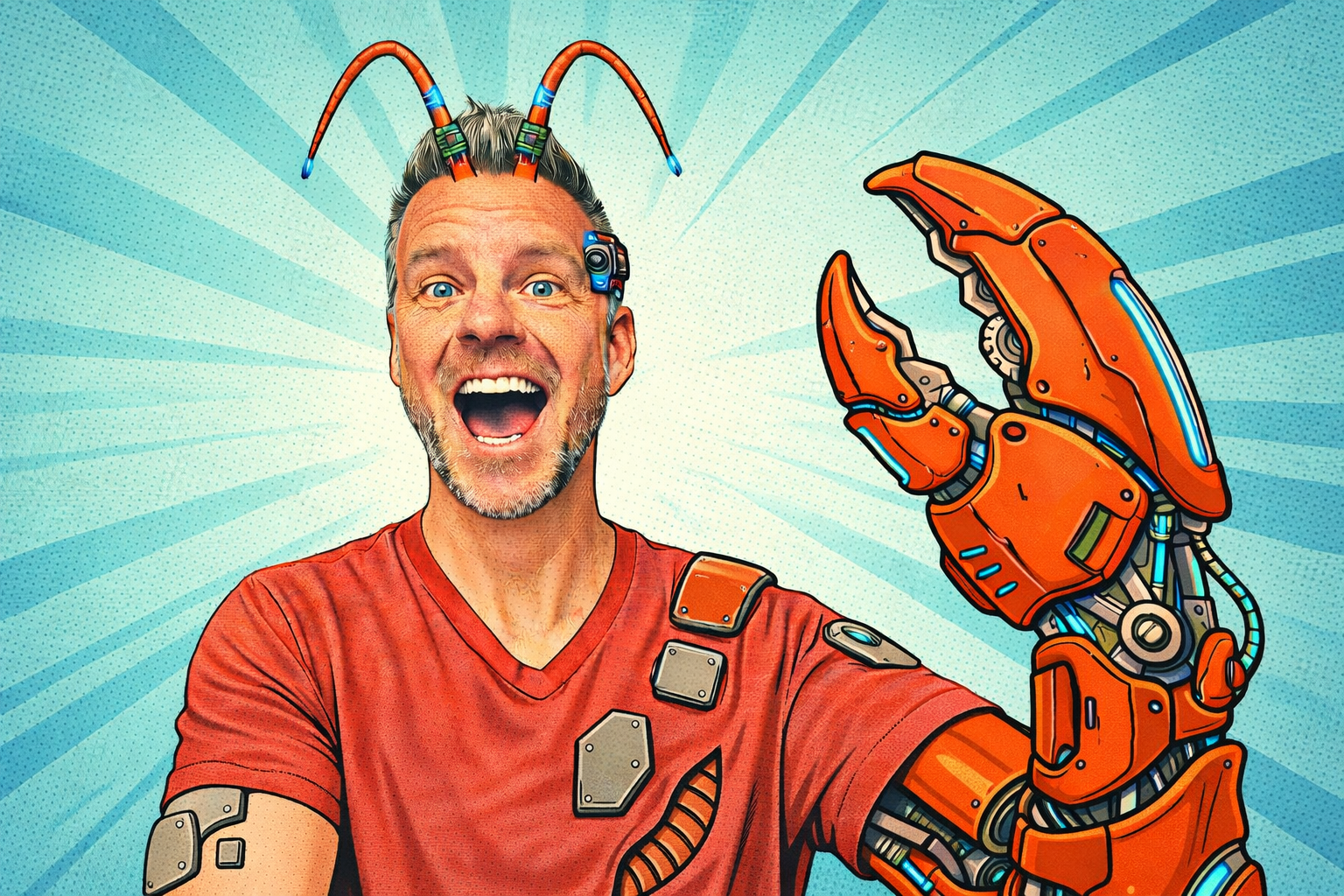
Except for my Stev-o-Claw image, I tried to keep this recap practical and non-sensational. There's already enough AI hype to go around. But after this weekend, on top of everything AI was doing already, I just gotta say. This is the real deal.
What Now?
The work I described at the top used to sit in my head all day. Now it feeds into one place where it's saved, searchable, and accessible to Don and Nano. That alone has been worth it, but it's just the start.
Since that weekend, Nano's taken on a lot more. It finds and researches potential clients. It drafts blog posts and LinkedIn content based on what we actually shipped that week. It pulls financial data so I can see revenue, invoices, and cash flow without logging into three different tools. Every morning, it posts an ops report to Slack covering open action items, recent code activity, and website traffic. It's also keeping a log of updates we make specific to Nano, so I can share accurate updates going forward.
I'm not sure where the ceiling is yet. That's part of the fun. More to come.